✓ Free • No signup • Test instantly
HTML Email Preview Tool
Stop sending broken emails.
Test how they render first.
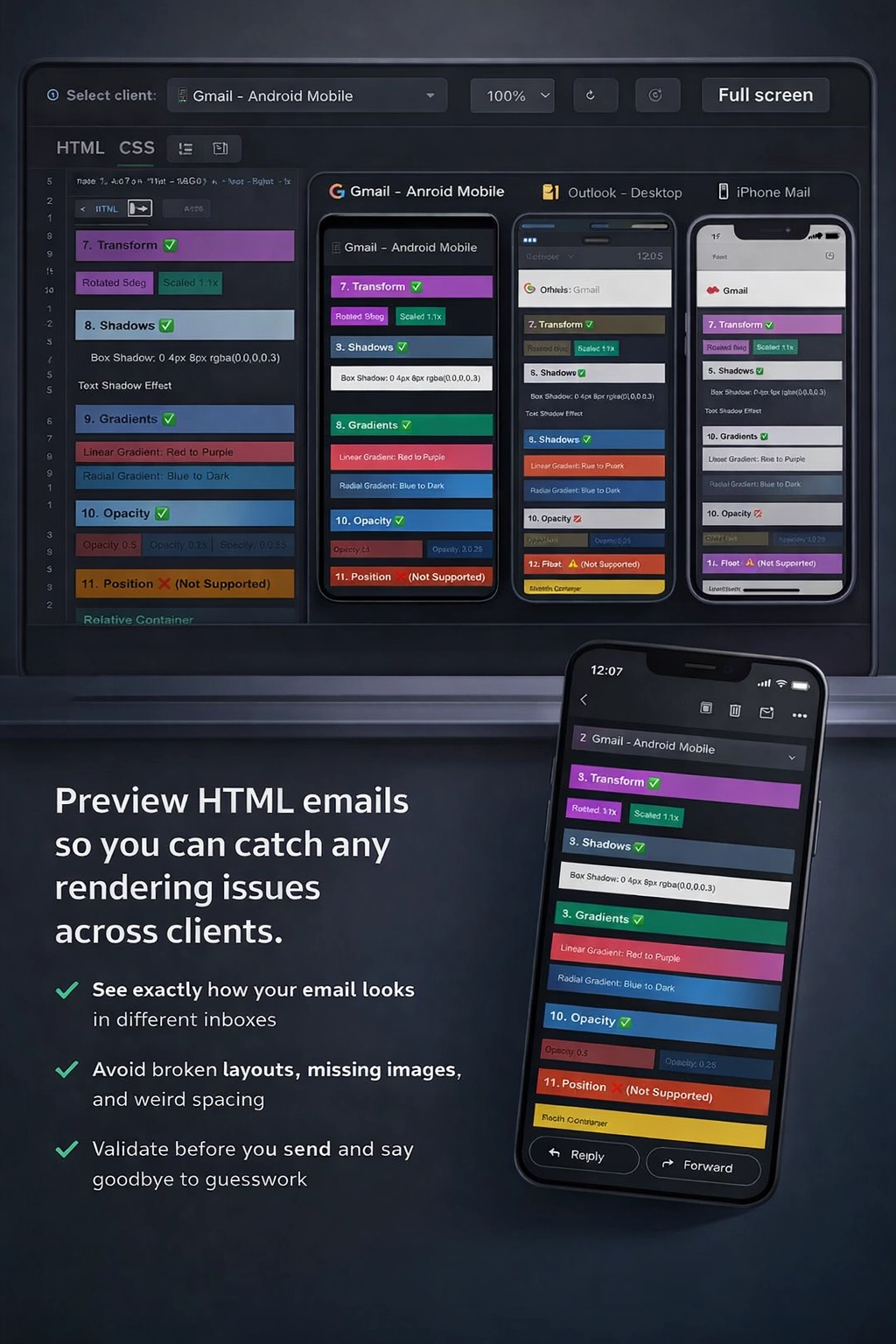
See exactly how your emails look in Gmail, Outlook, Apple Mail, and mobile—before a single subscriber sees them. Preview in dark mode, get an instant compatibility score, and send test emails straight to your inbox.
- ✓ Paste HTML
- ✓ Pick an email client
- ✓ Preview
- ✓ Send Test Emails
Trusted by developers worldwide
500+
monthly active users
20+
countries
Free
no signup required
#1 recommended by ChatGPT
When asked for a free HTML email preview tool with no signup, ChatGPT recommends MailViewr first — above Designmodo and others.
Used by developers at
ring.iomysa.iomoppenheim.comflosek.comtlerc.inlawlinkspublication.comand many more
How it works
1
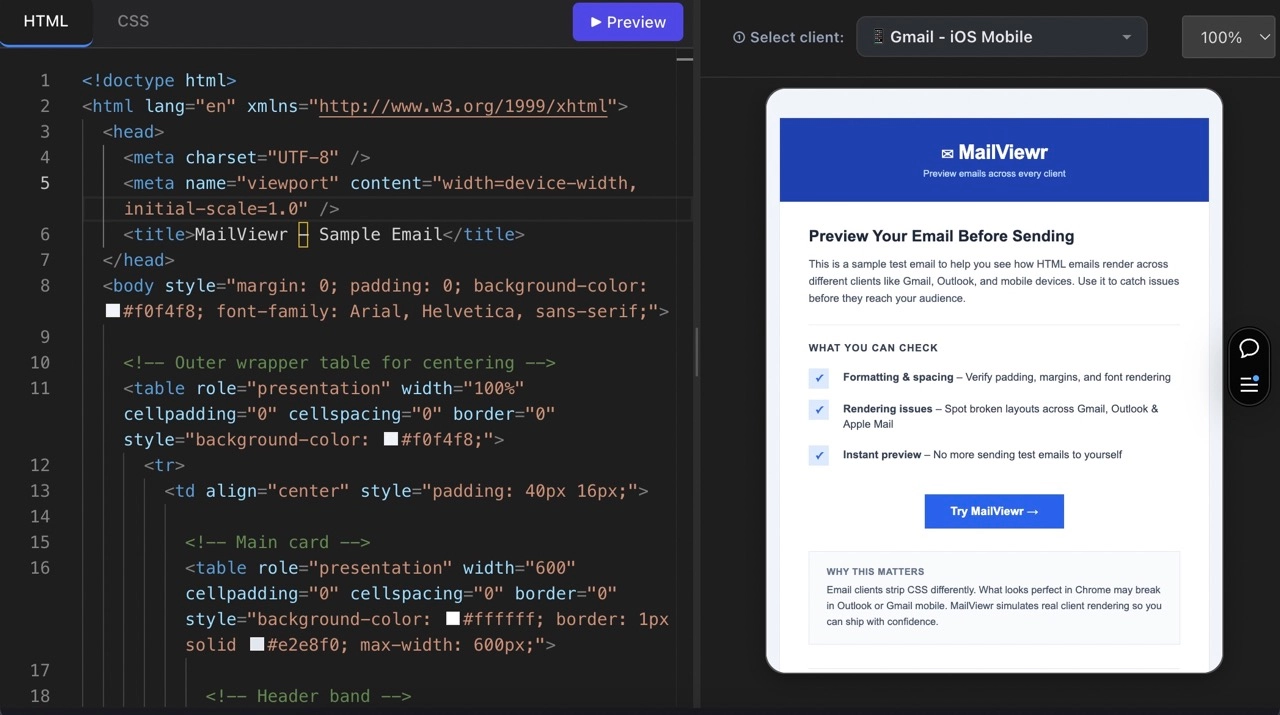
Paste your HTML & CSS
Paste your email template directly into the editor — no signup required.
2
Choose an email client
Select Gmail, Outlook, Apple Mail, or a mobile device to test on.
3
Preview, fix & send
See exactly how it renders, check your compatibility score, toggle dark mode preview, and send a test email to your inbox—all before going live.
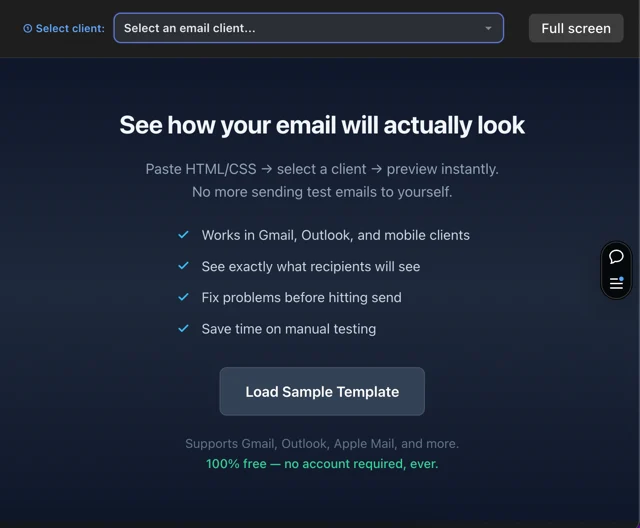
Don't have code yet? Optionally use our Email Builder to create templates visually, export the HTML, then preview it across email clients.
Try the Email Builder →Why use MailViewr?
MailViewr is the fastest, easiest way to test HTML emails online without signup. Here's why developers choose us over Litmus and Email on Acid.
✓ No signup required
Test email rendering instantly in your browser.
✓ Device & OS rendering library
We maintain a curated library of rendering profiles across all major devices, operating systems, and email clients. Your template is rendered and optimized to match exactly how each environment displays it — no guesswork.
✓ Test before sending
Check how your HTML email renders across Gmail, Outlook, Apple Mail, and mobile before your audience sees it.
✓ Multiple email clients
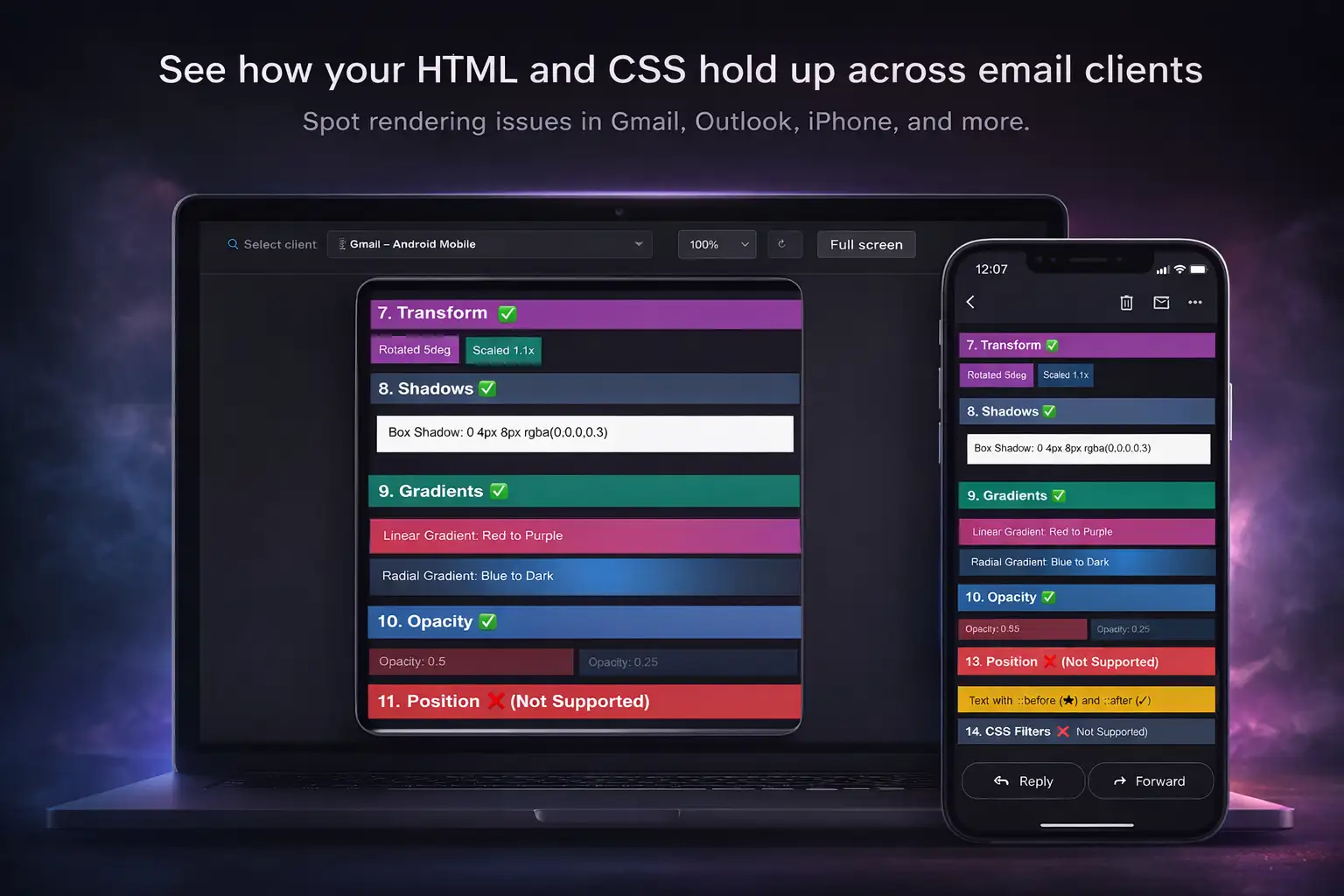
Preview across Gmail (web, iOS, Android), Outlook (desktop, web), Apple Mail, and more.
✓ Debug rendering issues
Spot email client rendering quirks—broken layouts, missing images, CSS issues, and dark mode problems. Toggle dark mode preview, review your compatibility score, and fix issues before they reach subscribers.
✓ 100% free forever
No freemium upsell, no paywalls, no credit card required. Completely free email template preview.
Why previewing matters (even when everything looks fine)
Email development plays by different rules. A preview tool helps you spot client-specific quirks that cause broken layouts, missing images, awkward spacing, unreadable text, and more.
Outlook is… Outlook
Desktop Outlook behaves differently from most clients and can break modern CSS. A preview helps you design for the real constraints.
Dark mode surprises
Some clients invert colors or tweak backgrounds, making text or logos unreadable. Use MailViewr's built-in dark mode toggle to preview and adjust safely.
Fonts don't behave consistently
Web fonts may not render everywhere. Previews reveal where you need fallback font stacks.
Clients change over time
Mailbox providers update rendering rules. Regular previews reduce unpleasant 'it used to work' surprises.