© 2026 MailViewr
FeaturesFAQBlogTry FreeInstagramYouTubeEmailPrivacy PolicyTerms
MailViewr - Free HTML Email Preview Tool
Free EditorEditorTemplatesDashboard
ArticlesCSS Support ReferenceEmail Clients
AccuracyAbout
NewGet detailed QA reports for your emails — catch rendering issues across clients before you send.
Try QA reports →
✓ Free • No signup • Test instantly

HTML Email Preview Tool
Stop sending broken emails.
Test how they render first.

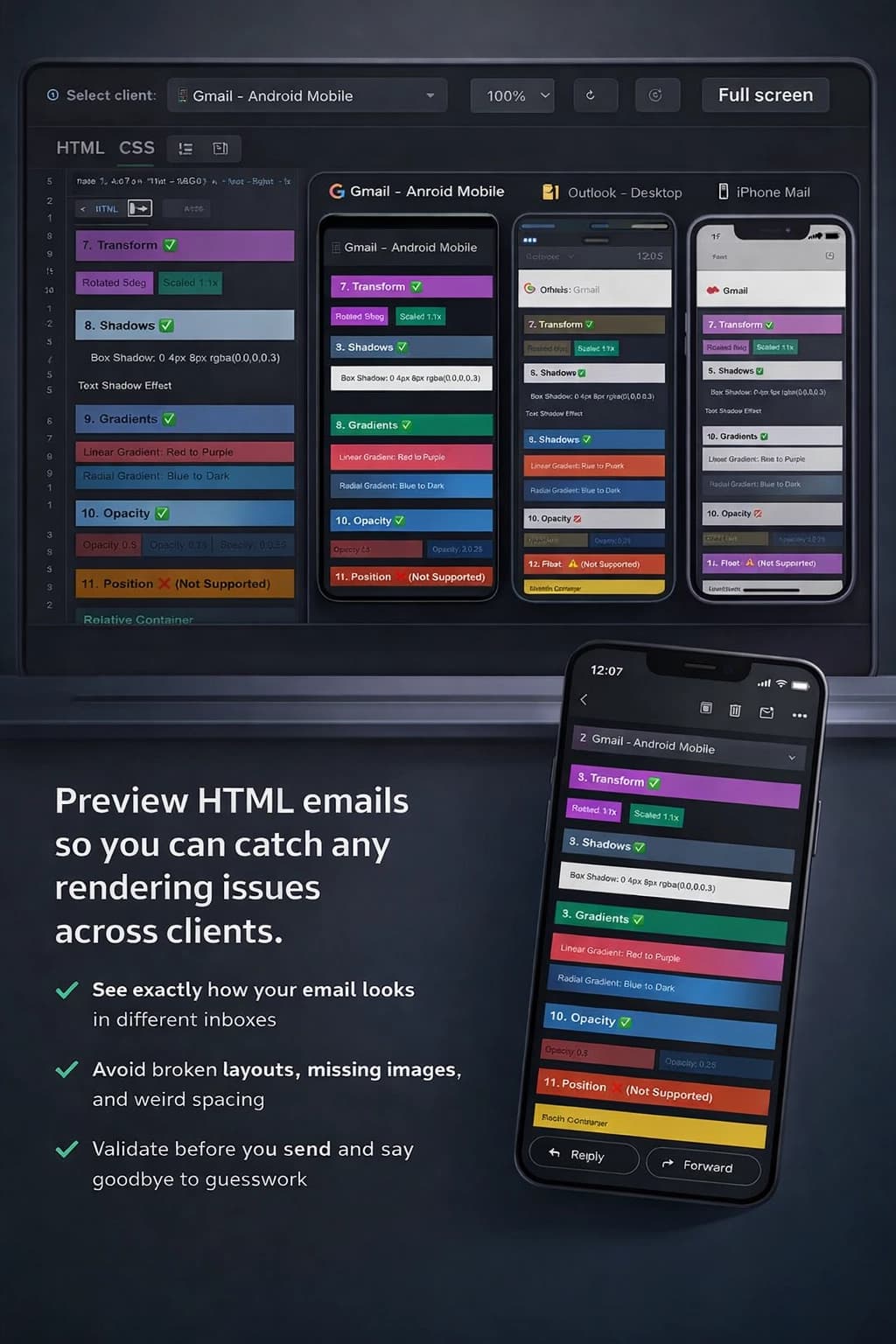
See exactly how your emails look in Gmail, Outlook, Apple Mail, and mobile—before a single subscriber sees them. Preview in dark mode, get an instant compatibility score, and send test emails straight to your inbox.

  • ✓ Paste HTML
  • ✓ Pick an email client
  • ✓ Preview
  • ✓ Send Test Emails
Test Your Email FreeHow it works ↓

Preview across real-world clients

See how the same HTML renders in Gmail, Outlook, Apple Mail, and more.

Catch layout breakages early

Spot spacing, alignment, and image issues before your audience does.

Move faster with fewer test sends

Iterate on your template without the 'send → check → fix' loop.

MailViewr features overview — Email Preview (free, no signup), Pre-Send QA Report (9 checks, score out of 100), Email Builder (drag-and-drop), 6 free Email Templates, Rendering Accuracy documentation, and Blog & Guides. Used by 600+ developers across 49 countries.
Test email rendering in Gmail, Outlook and mobile devices - MailViewr preview
Email template tester - Preview HTML emails across multiple email clients free
Free HTML email preview tool - MailViewr interface showing Gmail and Outlook testing
Free email preview tool showing HTML email test in Gmail and Outlook

Everything you need to send email with confidence

Email Preview

Free, no signup, browser-based

  • Gmail, Outlook, Yahoo Mail — web, iOS, Android
  • Dark mode preview and testing
  • CSS compatibility score with per-client error detection
  • Inline CSS validation (style blocks + inline attributes)
  • Device simulation — desktop, tablet, mobile, orientation toggle
  • CSS inlining
  • Send test emails to your inbox
  • Pre-Send QA Report — 9 checks, score out of 100 (free account required)

Email Builder

No coding required

  • Drag-and-drop visual builder
  • Real-time preview as you build
  • Responsive, mobile-friendly output
  • Export clean HTML for any ESP (Mailchimp, SendGrid, Klaviyo, etc.)

Email Templates

6 free templates, commercially licensed

  • Newsletter, Promotional, Welcome, Transactional, Event Invitation, Announcement
  • Fully responsive — tested across Gmail, Outlook, Apple Mail
  • One-click copy to clipboard
  • ESP integration guides: Mailchimp, SendGrid, Klaviyo, Brevo, HubSpot
  • Handlebars.js, Jinja2, and Liquid variable syntax supported

Trusted by developers worldwide

Recommended by ChatGPT as the #1 free tool
When asked for a free HTML email preview tool with no signup, ChatGPT recommends MailViewr first.
Verified
FP
Listed in Top 10 Email Preview Tools
Featured by FounderPal alongside Litmus, Email on Acid, and Mailtrap — as the only free option.
#7 Free
600+
monthly active users
49
Countries

Used by developers at

ring.iomysa.iomoppenheim.comflosek.comzerezes.com.bromnitel.esyoti.comdsv.comxperts.co.zacollegedunia.comlocalizejs.comand many more...
Free templates

DISCOVER
HANDY
TEMPLATES

Free HTML email templates with variables pre-tagged for Mailchimp, SendGrid, and Klaviyo. Preview in any email client before you send. Save time, look professional, and get perfect rendering every time.

See templatesCreate your own

NEWSLETTER

Newsletter Template

PROMOTIONAL

Promotional Email Template

WELCOME

Welcome Email Template

TRANSACTIONAL

Transactional Email Template

EVENT

Event Invitation Template

ANNOUNCEMENT

Product Announcement Template

→
View all
templates

ALL TYPES

Rendering Accuracy

See exactly
how it renders

35% of email opens now happen in dark mode. Every email client inverts colors differently — Gmail Android does full CIELAB inversion, Outlook applies partial overrides, Apple Mail uses HSL transforms. MailViewr runs each client's actual algorithm in your browser, so what you see matches what your subscribers see.

100%
Desktop accuracy (all clients)
90–95%
Light mode mobile accuracy
14
Client + theme combinations tested

Gmail Desktop

Chrome · Safari · Firefox

Dark mode97%
Light mode97%

Gmail Android

Mobile app

Dark mode~90%
Light mode97%

Gmail iOS

Mobile app

Dark mode75–80%
Light mode95%

Outlook Desktop

Chrome · Safari · Firefox

Dark mode100%
Light mode100%

Outlook Android

Mobile app

Dark mode~70% · beta
Light mode98%

Outlook iOS

Mobile app

Dark mode70–75% · beta
Light mode97%

Outlook mobile dark mode uses undocumented color override logic. Desktop and light mode accuracy is verified against real device recordings. How we measure accuracy →

Pre-Send QA Report
90/100
Issues Found2 checks failed · fix before sending
  • Gmail Clipping Risk
  • Unsubscribe Link Present
  • No Image-Only Content
  • Alt Text on All Images−5pts
  • No External Stylesheets
  • DOCTYPE Declaration
  • Structural Tags (html/head/body)
  • No Placeholder Hrefs−5pts
  • Viewport Meta Tag

Pre-Send QA Report

Catch problems before you hit send

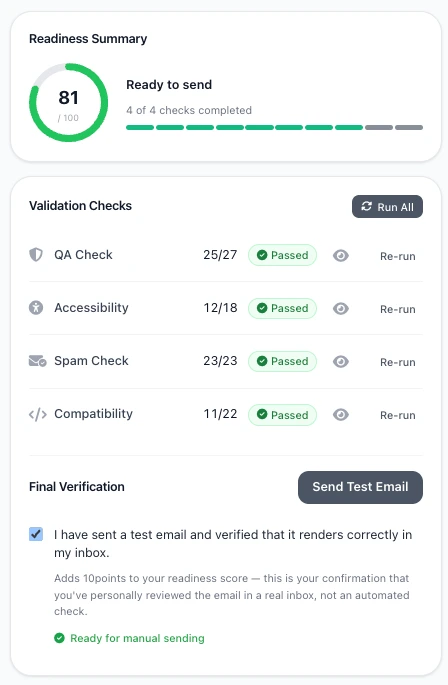
Run 9 structural checks on your HTML email and get a readiness score out of 100. From Gmail clipping to missing unsubscribe links — see exactly what to fix, before your subscribers do.

  • Gmail clipping risk (102KB limit)
  • Missing unsubscribe link (CAN-SPAM / GDPR)
  • Image-only email detection
  • Alt text on every image
  • No external stylesheet links
  • Placeholder href detection & link audit
  • Missing viewport meta tag
  • DOCTYPE declaration check
  • Structural tags (html / head / body)
Run QA Report — it's free

Requires a free account · takes under 5 seconds

Email Preview Tool FAQ

Common questions about HTML email testing, Gmail and Outlook rendering, and how MailViewr works

General

What is an email preview tool?
It helps you see how your HTML email will look in different email clients and devices before you send it. This eliminates guesswork and reduces the risk of sending broken emails.
Is MailViewr free to use?
Yes! MailViewr is completely free. You can preview your HTML emails across multiple clients without any cost or signup required.
Do I need to create an account?
No account is required. Simply paste your HTML and start previewing immediately.

Email Rendering

Why does my email look fine in my builder but broken in Outlook?
Email clients don't share the same HTML/CSS support. Outlook desktop uses Microsoft Word's rendering engine, which ignores many modern CSS properties like flexbox, grid, and certain padding/margin rules.
Which email clients does MailViewr support?
MailViewr supports previews for Gmail (web, Android, iOS), Outlook (desktop, web, mobile), Apple Mail, Yahoo Mail, and other popular clients.
Why do colors look different in dark mode?
Some email clients automatically invert or adjust colors in dark mode to improve readability. This can affect backgrounds, text, and images. Always test dark mode previews to ensure your design remains readable.
Why aren't my web fonts showing?
Most email clients don't support web fonts. Gmail, Outlook, and Yahoo will fall back to system fonts. Always specify fallback font stacks like 'Arial, Helvetica, sans-serif'.

Best Practices

Do I really need previews if my ESP already shows mobile/desktop views?
Those previews often represent devices, not real client rendering quirks. Client-specific previews reveal where Gmail vs Outlook behaves differently, catching issues ESP previews miss.
What should I test first?
Start with a high-impact combo: Gmail (mobile) and Outlook (desktop). If it works there, you'll catch most common breakages early. Then expand to Apple Mail and other clients.
Should I use tables or divs for email layouts?
Tables are still the most reliable choice for email layouts. While modern clients support divs, Outlook desktop requires table-based layouts for consistent rendering.
How do I make my emails responsive?
Use fluid tables with percentage widths, media queries where supported, and mobile-first design. Test thoroughly since media query support varies by client.

Technical

Can I preview emails with external images?
Yes, MailViewr will load and display external images in your preview. Make sure your image URLs are accessible and use HTTPS for best compatibility.
Is my email HTML stored or shared?
No. Your HTML is processed locally in your browser and is not stored on our servers. Your email content remains private.
What CSS properties should I avoid?
Avoid flexbox, grid, position: absolute/fixed, advanced selectors, and CSS variables. Stick to inline styles, basic padding/margin, and table-based layouts for maximum compatibility.